GDV/EPI image analysis
Read the long-form technical article on corona morphology, continuity, radial thickness, streamers, texture, repeatability and the limits of sector interpretation.
Read the technical article →GDV Studio is Windows software for GDV/EPI and Bio-Well analysis. It supports direct capture from Bio-Well 2.0 and Bio-Well 3.0 cameras, original BDF files, corona-image morphology, comparisons, longitudinal review, reports and biofeedback – without mandatory upload of personal data to a web cloud.
Compatibility: direct camera capture is supported with both Bio-Well 2.0 and Bio-Well 3.0.
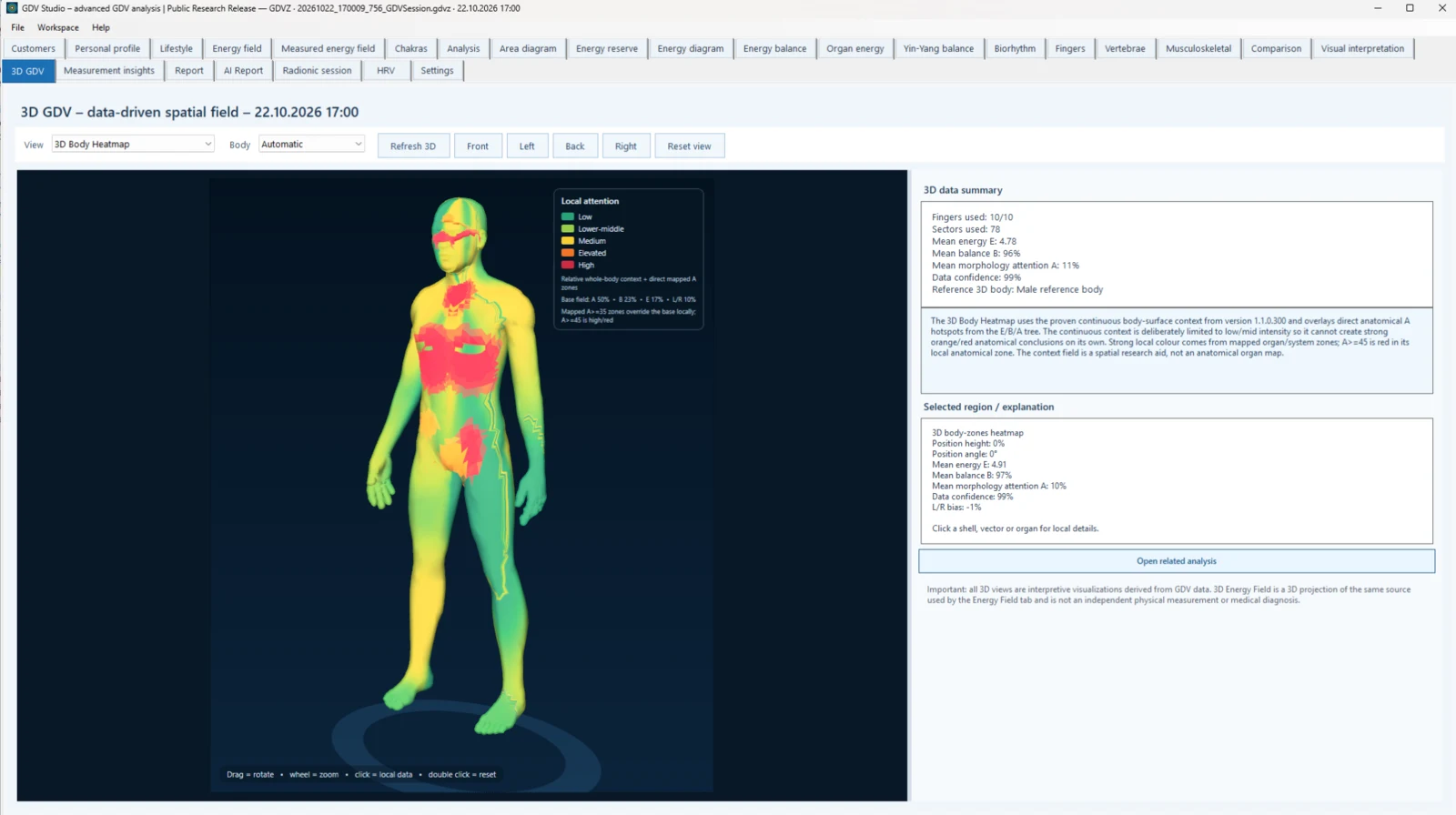 GDV Studio 3D Body Heatmap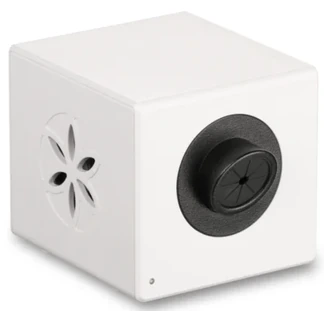
GDV Studio is designed around image data, capture quality, repeatability and longitudinal comparison. These links provide a direct path from the software to the research methodology and a simple technical image-quality demo.
Read the long-form technical article on corona morphology, continuity, radial thickness, streamers, texture, repeatability and the limits of sector interpretation.
Read the technical article →Compare a longitudinal, morphology-oriented workflow with a more traditional single-report approach.
Open the comparison →Try a browser-based demo for basic image-quality checks such as contrast, sharpness, clipping and centering. It does not interpret health or sectors.
Open the free demo →A deeper decision guide to the official Bio-Well workflow, subscriptions, local-first data handling, BDF measurements, morphology and research use.
Read the in-depth guide →A neutral comparison of the official Bio-Well workflow and the independent GDV Studio analysis environment, including direct Bio-Well 2.0 and 3.0 compatibility.
Open the comparison →Follow a practical workflow from the original BDF measurement to image quality, morphology, repeatability and longitudinal comparison.
Read the BDF guide →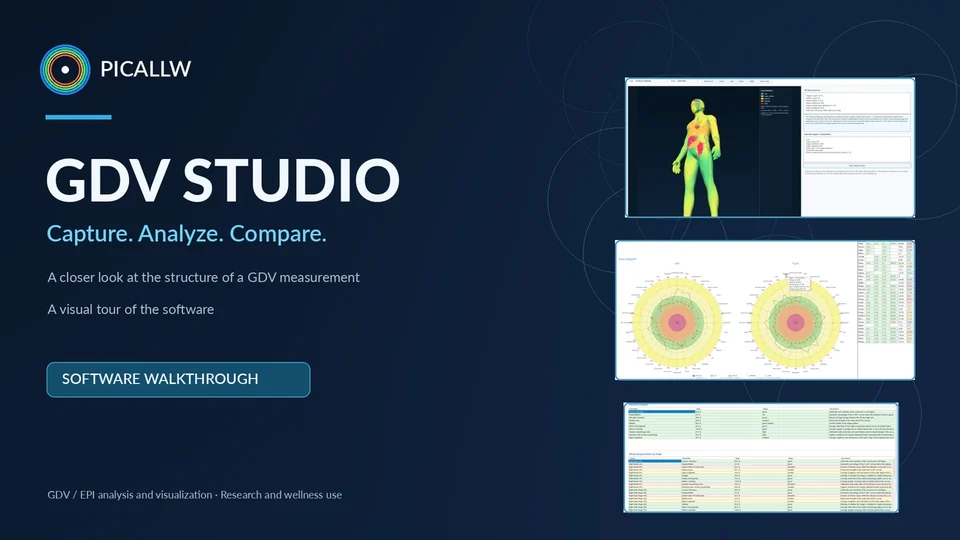
A visual walkthrough of GDV Studio: capture, analysis, comparison and the main software views.
Watch on YouTube ↗Designed for practitioners, researchers and advanced users who need local operation, broader analytical views and clearer tracking of changes over time.
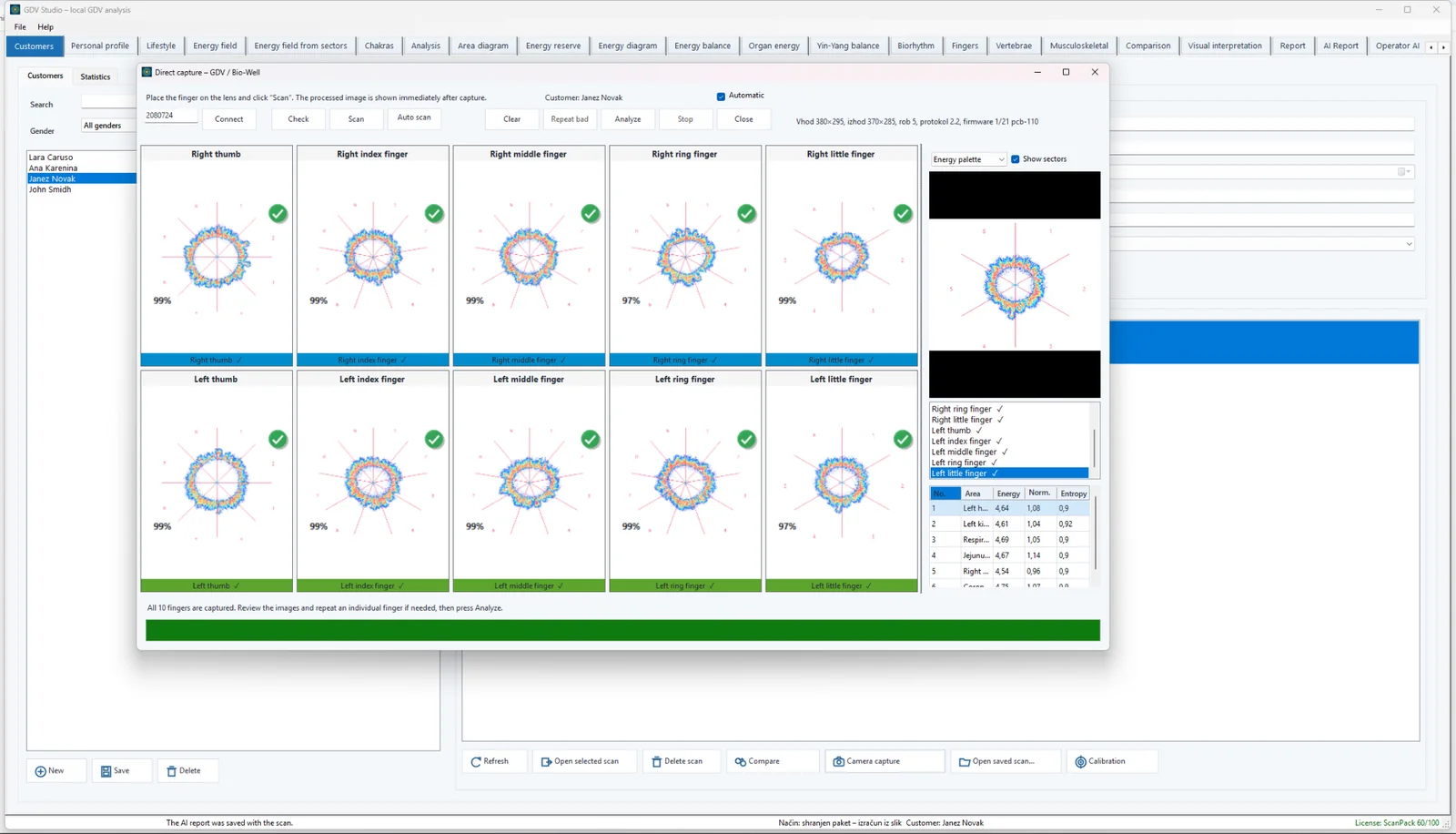
Guided ten-finger capture directly from Bio-Well 2.0 or Bio-Well 3.0 cameras, quality validation and individual image retakes.
Open and display original BDF measurements. The primary workflow remains direct capture and local processing without mandatory cloud transfer.
Clients, measurements and reports remain on your computer, simplifying control over personal data and reducing cross-border transfer risks.
Chakras, meridians, organs and systems, spine, musculoskeletal views, energy reserve, lifestyle, comparisons and longitudinal trends.
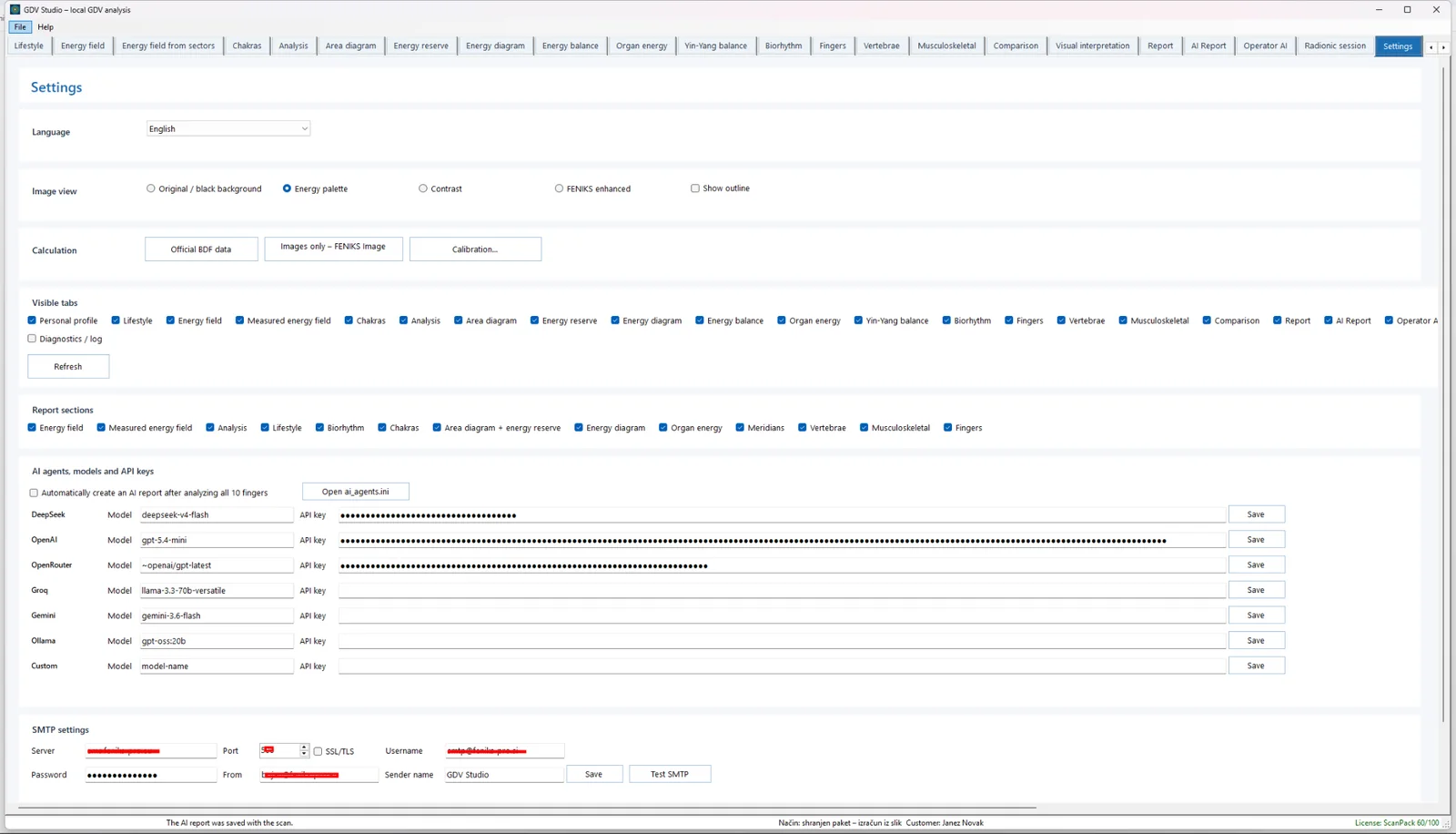
An AI report for the client and a separate professional report for the practitioner. Choose the provider and model; AI is used only when enabled.
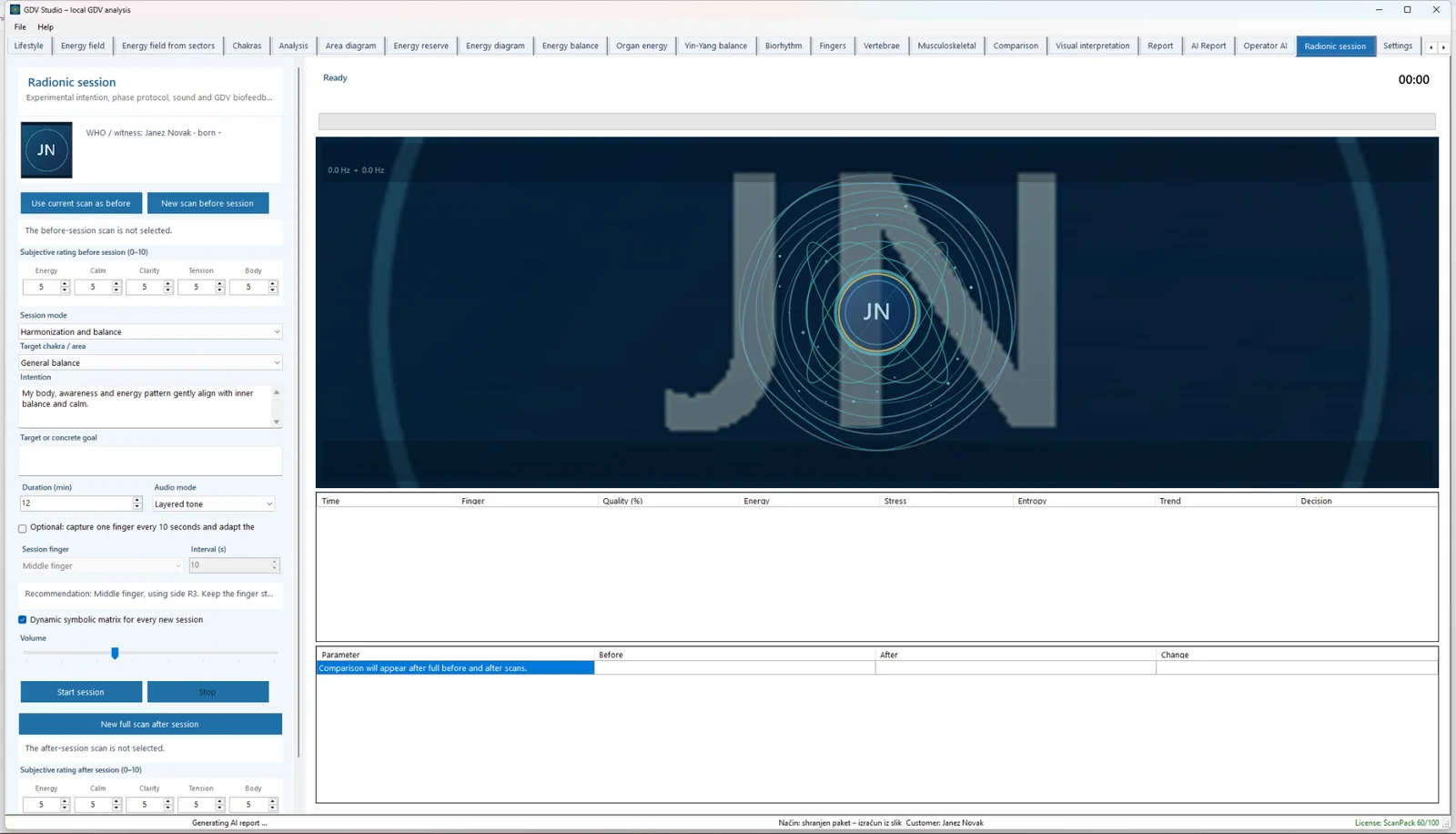
An experimental module for a structured radionic session, symbolic matrix, audio protocol and measurements before, during and after the session.
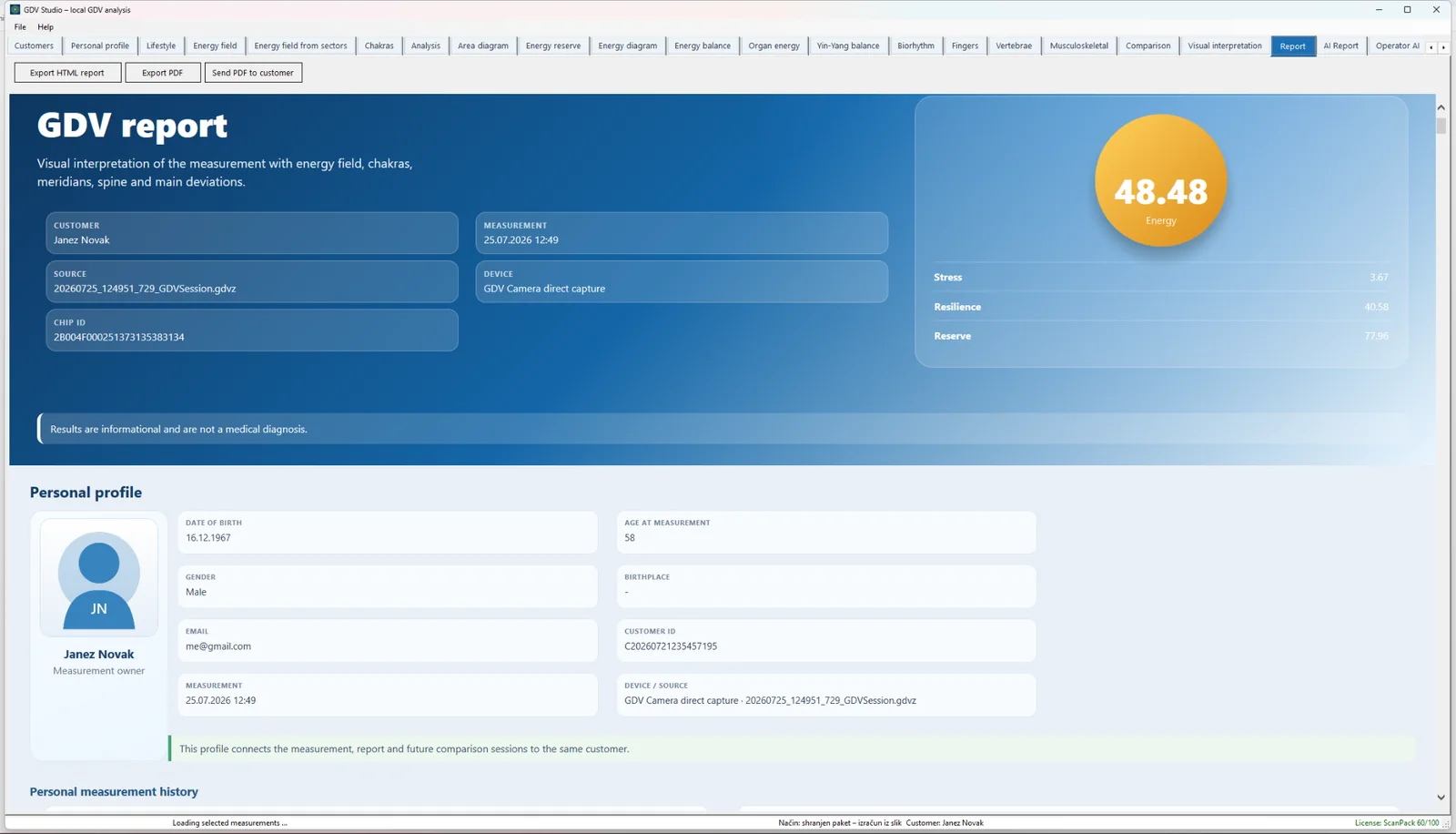
Visually structured HTML/PDF reports, export and client delivery, with control over included sections.
Compare multiple measurements, energy, stress and lifestyle changes, and review the largest differences between sessions.
When working with names, birth data, email addresses and measurements, it matters who processes the data and where it travels. GDV Studio runs locally by default. An internet connection is required only for an external AI service that the user deliberately enables.
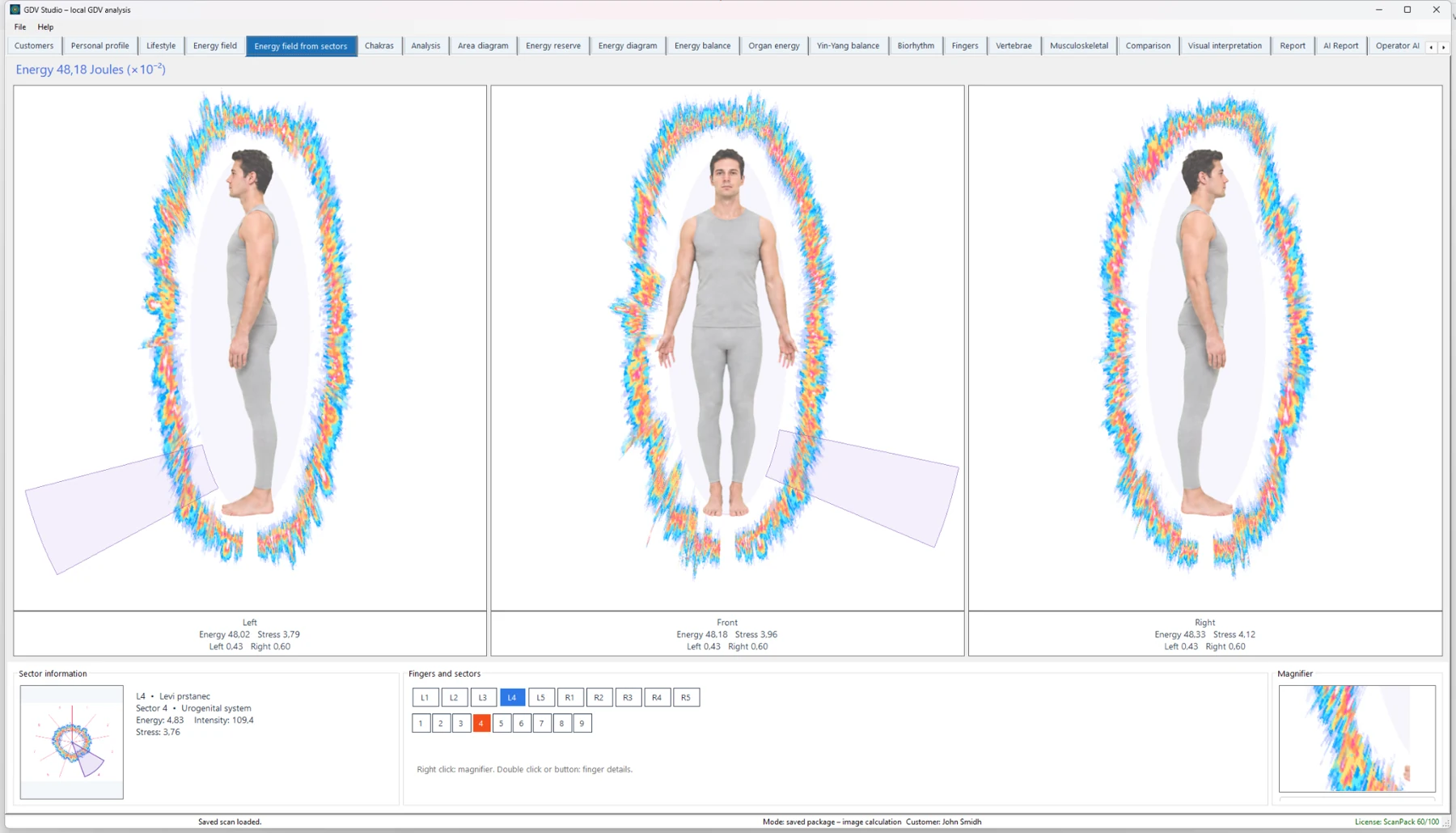
A selection of actual screens from the GDV Studio development version.
GDV Studio uses a tiered licensing model, from a free trial and scan packs to perpetual personal options and unlimited professional or clinical licenses. Prices are not shown on this page; contact us for current commercial terms.
Trial allows up to 10 scans in total. Scan Pack options contain 100, 250, 500 or 1,000 scans. They have no daily limit and are bound to the PC on which they are activated.
Suitable for occasional use, demonstrations, research projects or a secondary workstation.Perpetual licenses are bound to the registered GDV camera ID and include daily scan limits: Personal up to 3, Family up to 5 and Limited up to 10 scans per day.
Suitable for users who want permanent use without an annual subscription and whose workflow fits within a defined daily allowance.Professional Annual and Professional Lifetime provide unlimited scans for one registered GDV camera. Clinic Lifetime provides unlimited scans for up to three registered GDV cameras belonging to the same organization.
Designed for professional, research, practitioner and multi-camera workflows.| License | Usage allowance | Binding |
|---|---|---|
| Trial | 10 scans in total | PC |
| Scan Pack 100 / 250 / 500 / 1000 | predefined total number of scans, no daily limit | PC |
| Personal Lifetime | up to 3 scans per day | 1 GDV camera |
| Family Lifetime | up to 5 scans per day | 1 GDV camera |
| Limited Lifetime | up to 10 scans per day | 1 GDV camera |
| Professional Annual | unlimited scans | 1 GDV camera |
| Professional Lifetime | unlimited scans | 1 GDV camera |
| Clinic Lifetime | unlimited scans | up to 3 GDV cameras in the same organization |
A Lifetime license does not expire. It includes the features of the purchased edition plus fixes and updates within the same major version. A future new major version may be offered as an optional paid upgrade; the purchased version does not stop working because a new major release exists.
Scan Packs are bound to the PC. Annual and Lifetime licenses are bound to the GDV camera ID. Transfer to another camera may be approved following a verified device failure or hardware replacement. Clinic Lifetime supports up to three active camera IDs in the same organization.
GDV cameras, HRV sensors and other hardware are not included unless explicitly stated in an offer. External AI services may involve additional provider fees, usage limits or customer-supplied API credentials. License activation and transfers are subject to verification and the applicable license terms.
An in-depth analysis of GDV/EPI physics, corona morphology, repeatability, AI and the limits of interpretation.
Read the technical article →Yes. Direct camera capture is supported with both Bio-Well 2.0 and Bio-Well 3.0, and original BDF measurements can be opened for local analysis.
Yes. Bio-Well 3.0 direct capture is supported alongside Bio-Well 2.0.
No. GDV Studio is independently developed by PICALLW and is not affiliated with Bio-Well.
Not necessarily. The official software provides the manufacturer's workflow; GDV Studio is an additional independent environment focused on local analysis, morphology, repeatability and longitudinal research.
Yes. Original BDF measurements can be opened and reviewed locally in GDV Studio.
A small local checker for technical image properties: resolution, contrast, sharpness, clipping, centering and saturation. The image stays in the browser. The demo does not interpret sectors and is not a diagnostic metric.
Read about GDV fundamentals, capture quality, calibration, repeatability and meaningful long-term tracking.
The best software is created together with its users. Your comments, feature requests and improvement ideas are welcome and directly help shape future versions of GDV Studio.